
No signal?
No problem.
Capture everything offline. Your progress stays saved. Uploads resume when you’re back online.
 Rcpts
Scan your receipt, choose an administration and send it to Nmbrs.
Try the beta on TestFlightFor iPhone, iPad and MacFree beta
Receipt? Sorted.
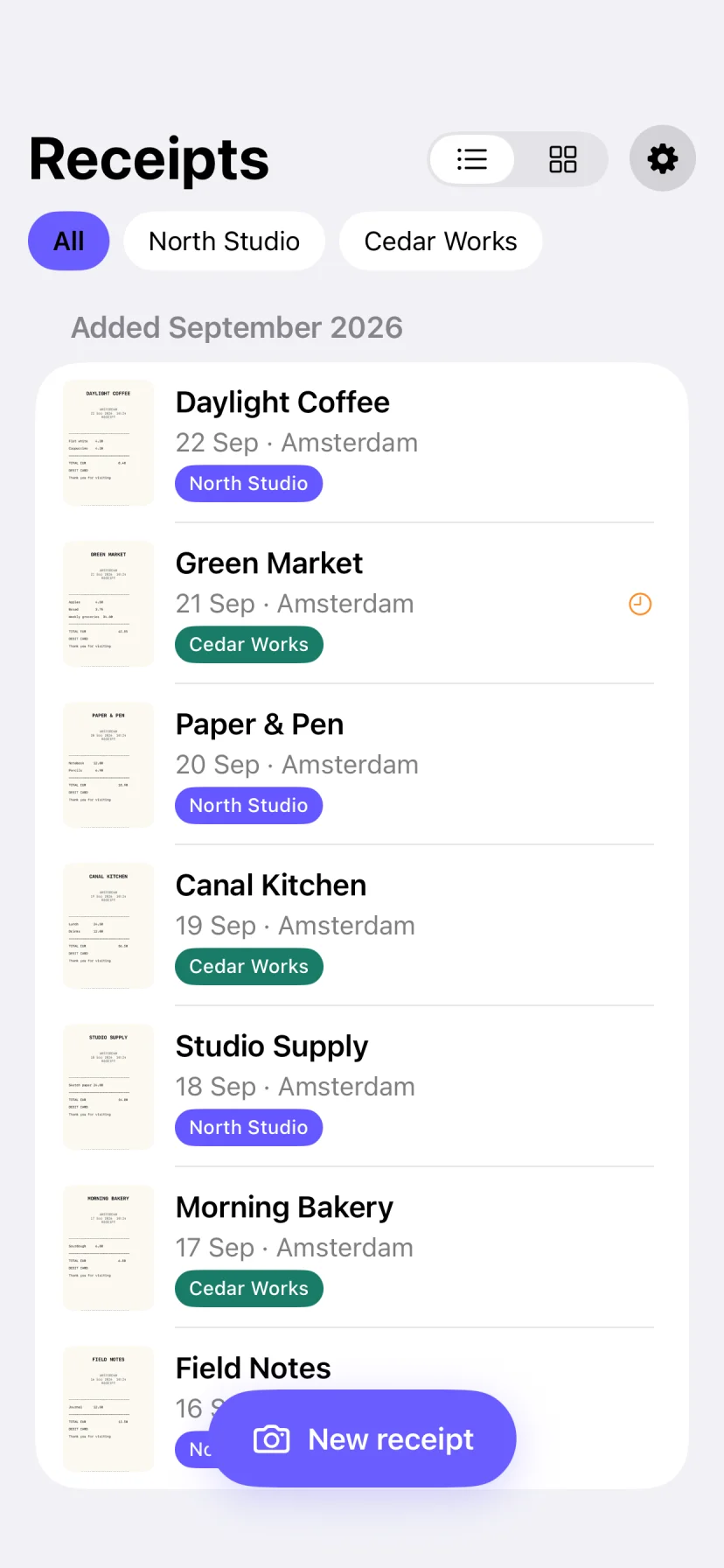
Take a photo. Rcpts crops your receipt and reads the details on your device.
One administration or several? Give every receipt the right destination.
Check, send, and you’re done. Without internet, your receipt waits safely in the queue.
In the official Nmbrs app, you have to choose from nine payment methods for every receipt.
On your Mac, too
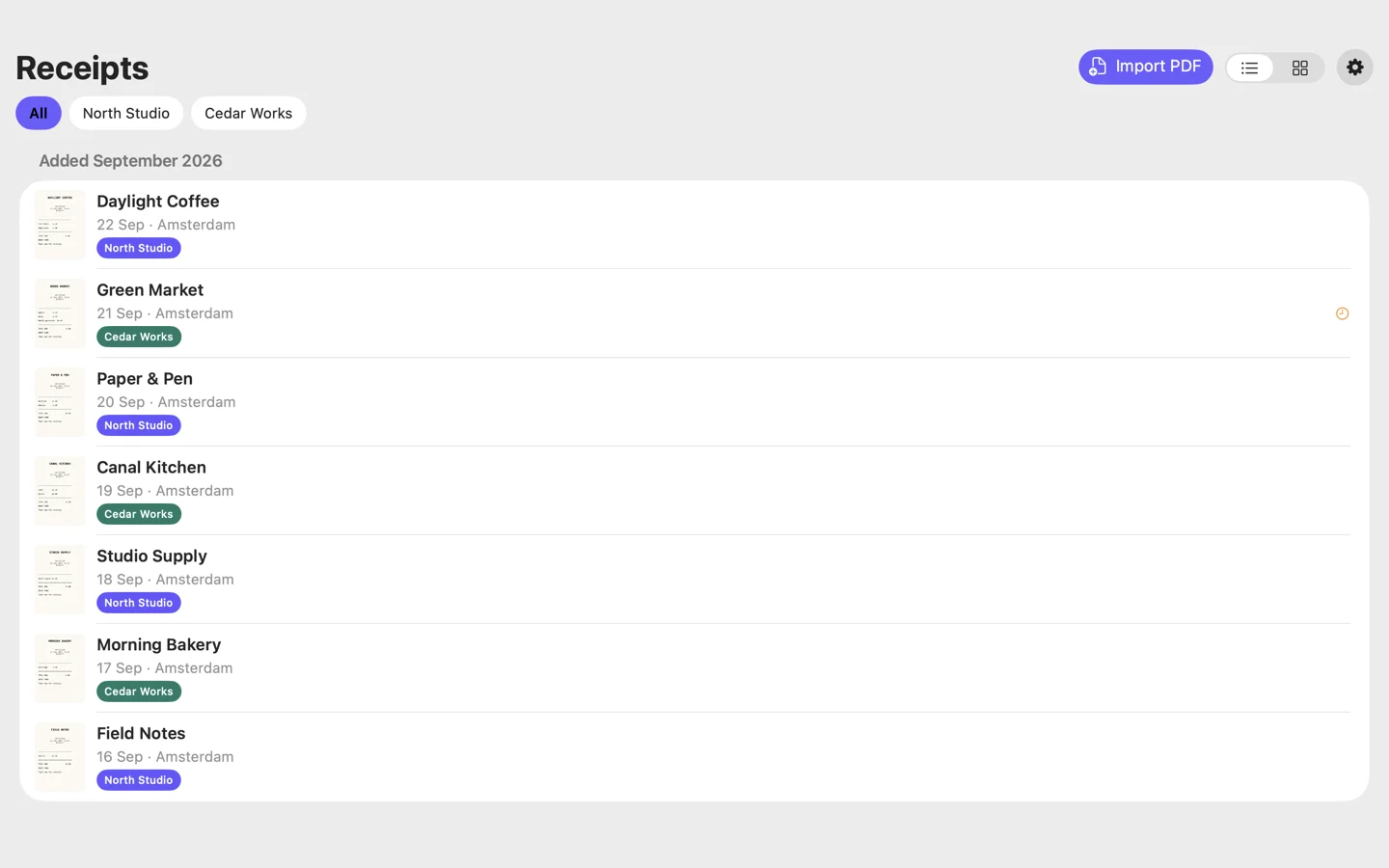
Invoice in your inbox? Drop the PDF into Rcpts. Choose an administration and you’re done.
Capture everything offline. Your progress stays saved. Uploads resume when you’re back online.
Text recognition stays local, on your device. Off to your accounting service. No external AI platform. No tracking.
Receipts, PDFs, images and administrations sync automatically through iCloud. API keys use iCloud Keychain.
Try Rcpts on TestFlight. The final release is still to come.
Try the beta on TestFlightFor iPhone, iPad and MacFree beta
iOS 26 or later · macOS 26 or later
Uploads require a compatible Nmbrs Accounting account and API key.
You can also keep receipts locally without connecting an account.